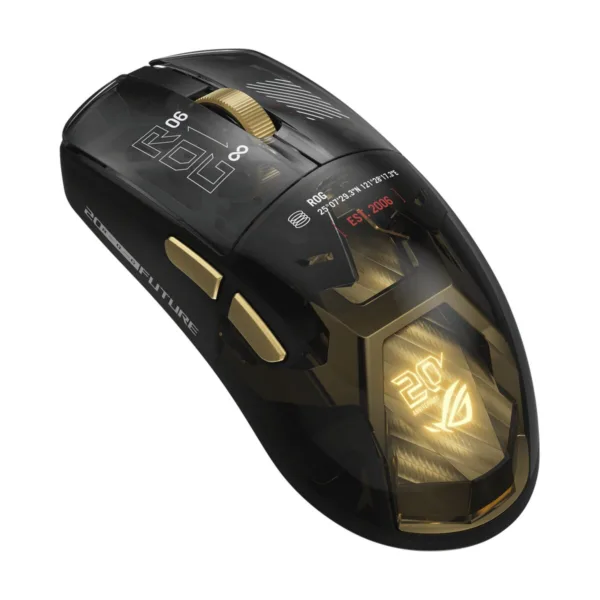
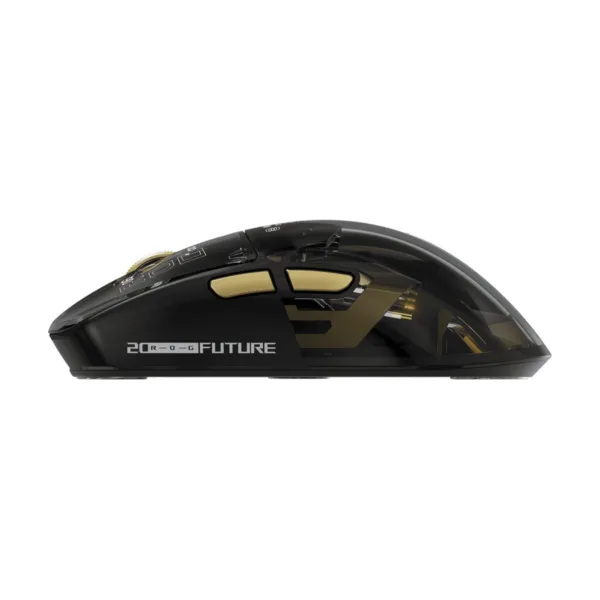
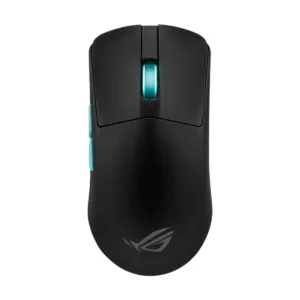
ASUS ROG 20th Edition Harpe II Extreme Wireless Gaming Mouse, 82g, 65K DPI, Gold/Black
$259.99
ROG 20th Anniversary Limited Design: A limited celebratory release designed to commemorate two decades of gaming leadership, presented in a premium packaging that converts into a display stand. Authentic 24K Gold-Plated Design Accents: S…
In stock
Free shipping on orders $49+ Standard Ground $4.00 on orders under $49. Ships in 1–2 business days (order by 5:00 PM CT on a business day to start today), then 3–5 business days in transit.
30-day returns We pay return shipping on defective, damaged or wrong items. No restocking fee.
Manufacturer warranty New and factory sealed, with the full manufacturer's warranty.
Secure checkout Visa, Mastercard, American Express and Discover.
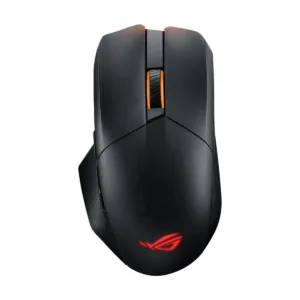
Innovate. Perform. Dominate. For two decades, ROG has stood at the forefront of gaming innovation, pushing boundaries and defining excellence. To commemorate this monumental 20th anniversary, ROG proudly unveils a special selection of limited-edition ROG components and gear featuring an alternative colorway and leading innovations. More than an aesthetic, this colorway reflects core values that are a testament to an enduring legacy. The ROG Harpe II Extreme Edition 20 gaming mouse builds on the Harpe II Ace’s heritage. Featuring gold-plated accents and cutting-edge technologies, it stands as a tribute to the ROG legacy of precision and fine craftsmanship.
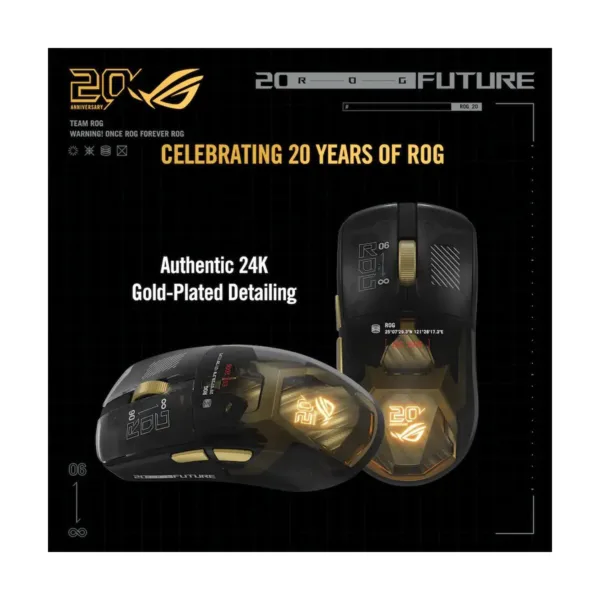
Authentic 24K Gold-Plated Detailing
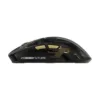
The striking black translucent shell reveals the precision within and is highlighted by authentic 24K gold-plated accents. Every detail is crafted to stand out, creating a bold yet refined statement piece to commemorate the 20th anniversary of ROG.
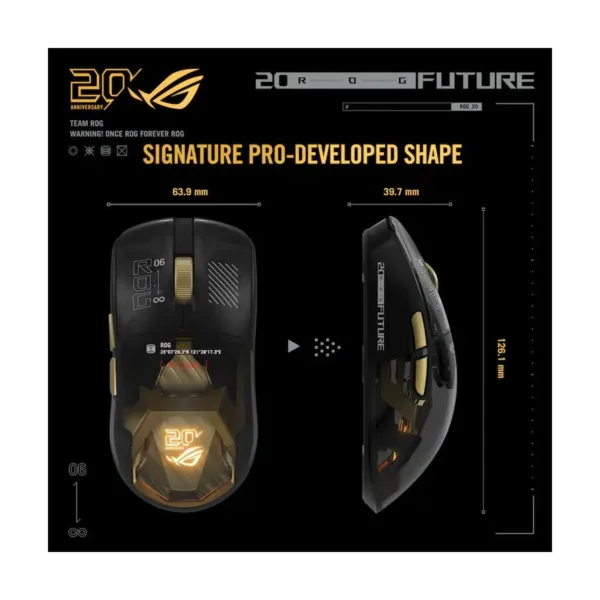
Signature Pro-Developed Shape
With a shape developed alongside esports pros, the ROG Harpe II Extreme Edition 20 allows gamers to move with greater agility and control.
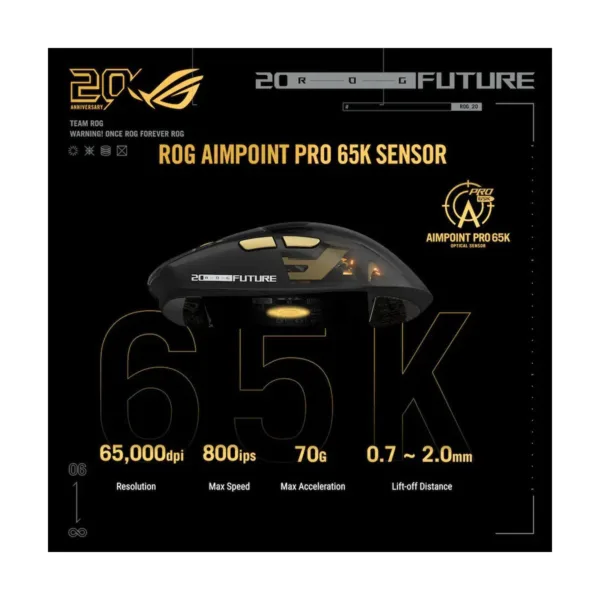
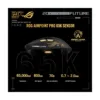
ROG AimPoint Pro 65K Sensor
The ROG Harpe II Extreme Edition 20 is powered by a next-generation ROG AimPoint Pro 65K optical sensor offering up to 65,000dpi and 8,000Hz polling for ultra-precise, responsive tracking. Adjustable lift-off distance in 0.1mm steps ensures elite-level customization, representing the pinnacle of ROG sensor innovation.
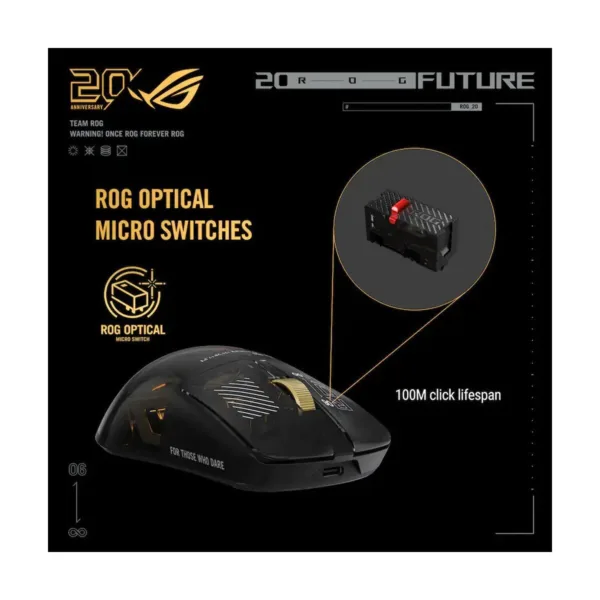
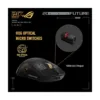
ROG Optical Micro Switches
ROG-exclusive optical micro switches have an astounding 100-million click lifespan and deliver clear-cut signals with instant actuation.
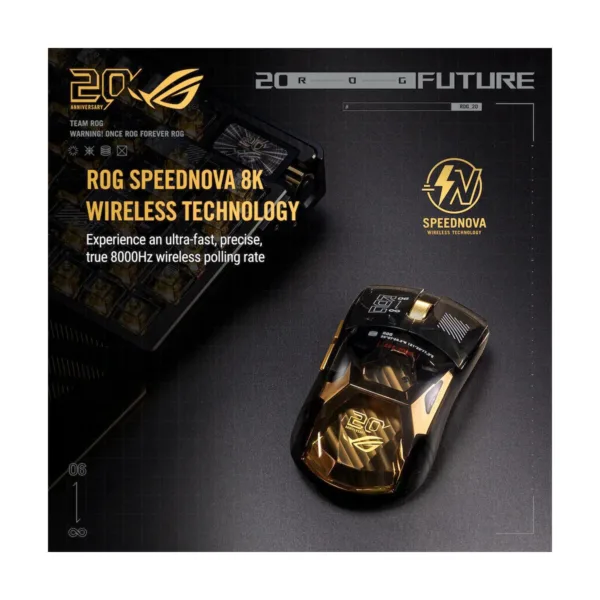
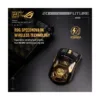
ROG SpeedNova 8K Wireless Technology
Experience an ultra-fast, precise, true 8000Hz wireless polling rate with ROG SpeedNova 8K. No polling-rate booster required.
Tri-Mode Connectivity
Connect with wired USB, 2.4GHz RF or Bluetooth®.
Instant Customization
Gear Link Configure the Harpe II Extreme Edition 20 directly on a web browser, no downloads needed.
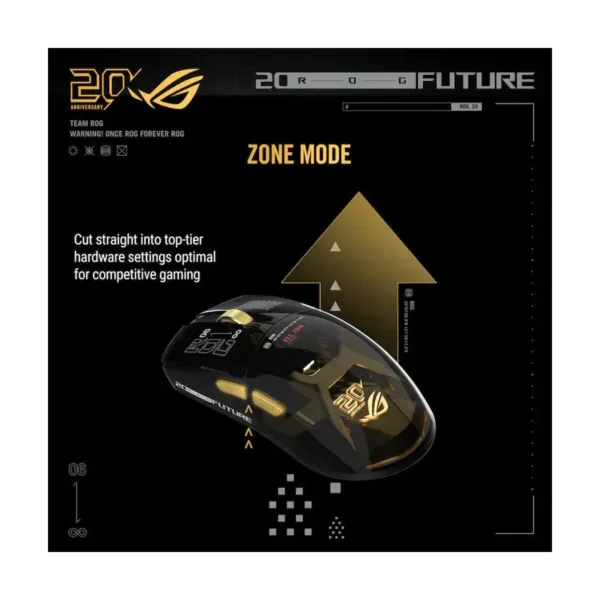
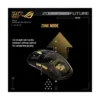
Zone Mode
Cut straight into top-tier hardware settings optimal for competitive gaming, ensuring battle-ready performance in an instant with quick combo buttons.
Zone Mode ON:
Simultaneously press the DPI button and both side buttons until the scroll wheel LED blinks red. Zone Mode OFF: Press the same button combination until the scroll wheel LED blinks blue.
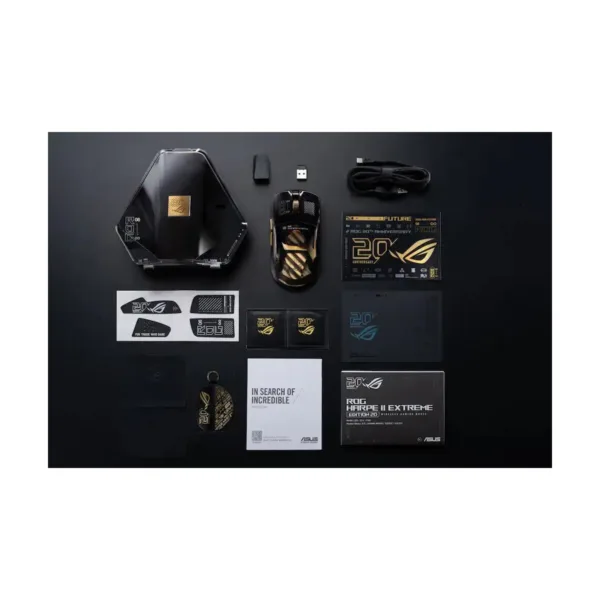
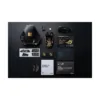
1 x ROG Harpe II Extreme Edition 20 1 x display case 1 x Wireless Receiver 1 x USB dongle extender 1 x mouse grip tape set 1 x PTFE mouse feet 1 x 2-meter ROG Paracord 1 x warranty booklet 1 x Quick Start Guide 1 x ROG sticker 1 x thank you card 1 x cleaning kit
Orders placed by 5:00 PM CT on a business day start processing the same day. Processing takes 1–2 business days, then 3–5 business days in transit, so most orders arrive in 4–7 business days. We ship with FedEx, UPS or a dedicated freight carrier. Delivery times are carrier estimates, not guarantees.
Sign in and open My account → Orders to see your order and its status. Checked out as a guest? Your order confirmation email has the details.
If something looks wrong, send us a message with your order number.
You have 30 calendar days from the day your order is delivered to return it. If an item is defective, was damaged in transit or is not what you ordered, we pay 100% of the return shipping. If you changed your mind, you pay the return shipping and the item must be unopened. There is no restocking fee (0%). Contact us first with your order number for a return authorization (RMA) number — please don't ship anything back without one.
We inspect a return within 2–3 business days of receiving it, then refund the original credit or debit card. The refund usually reaches your account 5–7 business days after that, depending on your bank.
Sorry about that. Please note any damage on the delivery receipt and contact us within 48 hours of delivery, with your order number.
If an item is defective, was damaged in transit or is not what you ordered, we pay 100% of the return shipping.
Every product is new and factory sealed and comes with the full manufacturer's warranty. The term, what is covered and how to make a claim are set by the manufacturer; we do not offer a separate store warranty.
We accept Visa, Mastercard, American Express, Discover credit and debit cards. Credit and debit cards only; we do not accept personal checks, money orders or cash on delivery. Your card is authorized and charged when your order is confirmed.
New here? Use WELCOME10 at checkout for 10% off your first order (up to $50, one use per customer). It can't be combined with other coupons.
Tell us the product and what you'd like to know — for example whether a graphics card fits your case or power supply — and we'll reply by email.