




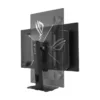
| Weight | 20.7 lbs |
|---|---|
| Dimensions | 30.5 × 18.5 × 7.4 in |
| Brand | ASUS |
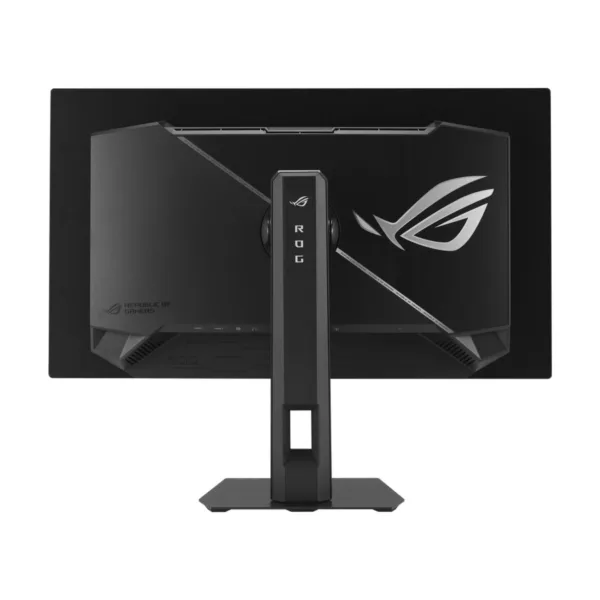
| Series | ROG Strix |
| Part Number | XG27AQDMES |
| Cabinet Color | Black |
| Screen Size | 26.5" |
| Widescreen | Yes |
| Glare Screen | Anti-glare |
| Panel | OLED |
| Display Type | QHD |
| Adaptive Sync Technology | FreeSync Premium Pro & G-Sync Compatible |
| Resolution | 2560 x 1440 (2K) |
| Viewing Angle | 178° (H) / 178° (V) |
| Aspect Ratio | 16:9 |
| Brightness | 200 cd/m2 |
| Contrast Ratio | 1,500,000:1 |
| Response Time | 0.03 ms |
| Color Gamut | DCI-P3 99% |
| Display Colors | 1.07 Billion |
| Monitor Pixel Density | 0.229mm |
| Refresh Rate | 240Hz |
| HDR Standard | HDR10 |
| Curved Surface Screen | Flat Panel |
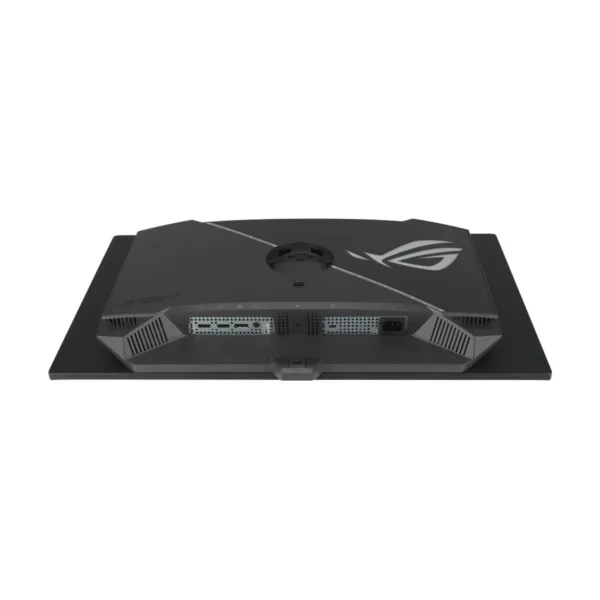
| HDMI | 2 x HDMI 2.1 |
| DisplayPort | 1 x DisplayPort 1.4 |
| Video Ports | 1 x DisplayPort 1.4 / 2 x HDMI 2.1 |
| Headphone | 1 x Earphone Jack |
| Power Supply | 100 – 240 VAC, 50/60Hz |
| Power Consumption | Power Consumption : < 25W Power Saving Mode : < 0.5W Power Off Mode : <0.3W |
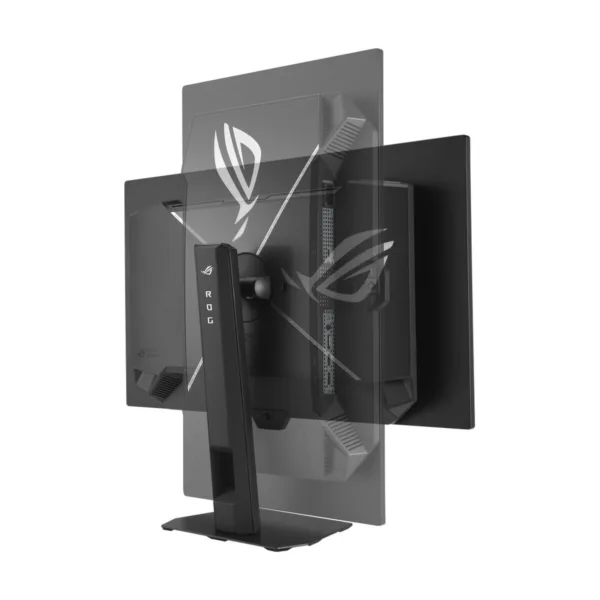
| Stand Adjustments | T |
| Built-in Speakers | No |
| Built-in Webcam | No |
| VESA Compatibility - Mountable | 100 x 100mm |
| Features | GameVisual: Yes Color Temp. Selection: Yes (8 modes) Color Adjustment: 6-axis adjustment (R,G,B,C,M,Y) Gamma Adjustment: Yes (Support Gamma 1.8/2.0/2.2/2.4/2.6) Color Accuracy: Delta E< 2 GamePlus: Yes HDCP: Yes, 2.3 Extreme Low Motion Blur: Yes VRR Technology: Yes (Adaptive-S |
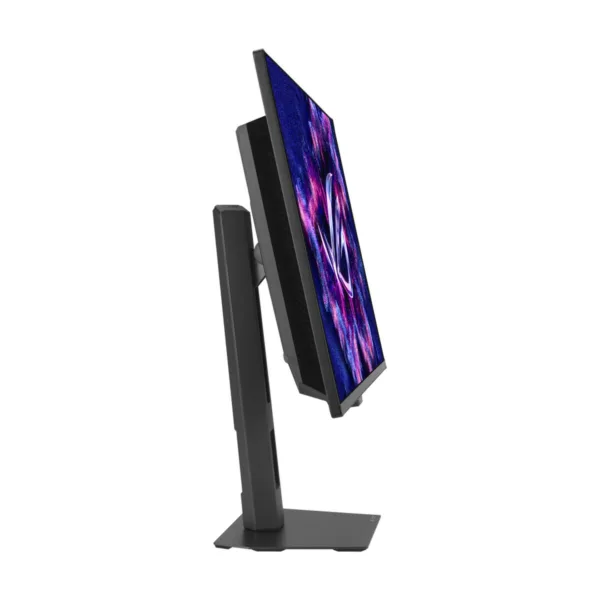
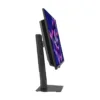
| Dimensions | 19.8" x 24.06" x 7.4" with stand 14.57" x 24.06" x 2.72" without stand |
| Weight | 14.99 lbs. with stand 10.8 lbs. without stand |
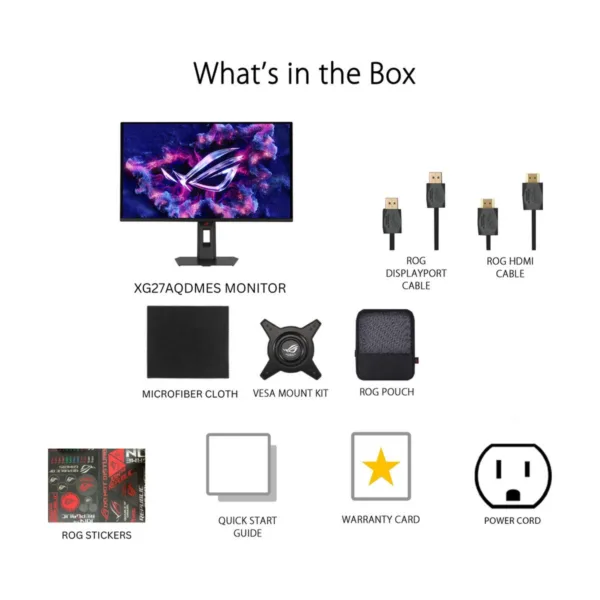
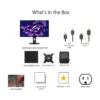
| Package Contents | DisplayPort cable HDMI cable Microfiber cloth Quick start guide ROG pouch ROG sticker VESA mount kit Warranty Card |
| MPN | XG27AQDMES |
| UPC | 199291157620 |
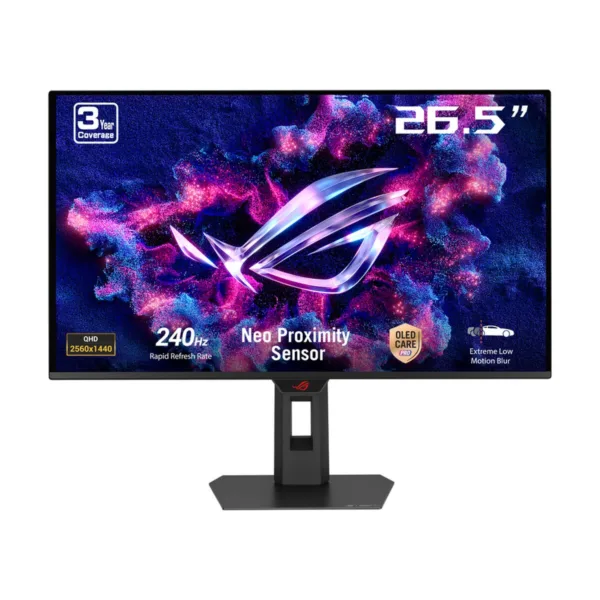
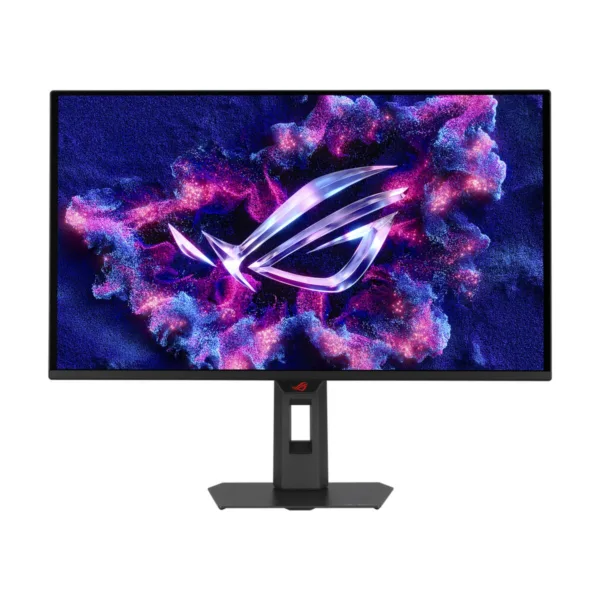
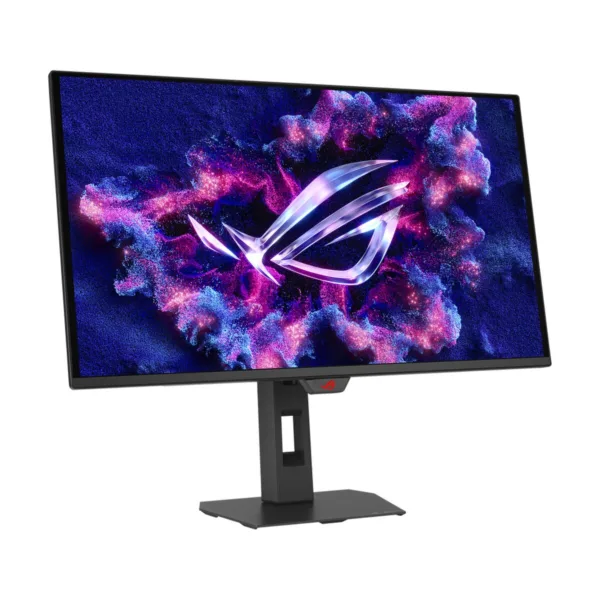
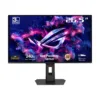
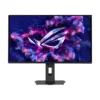
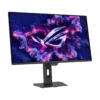
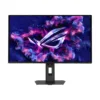
ASUS ROG Strix XG27AQDMES 27″ QHD 240Hz OLED Gaming Monitor, 0.03ms
Original price was: $499.99.$449.99Current price is: $449.99.
Save 10%Sale ends Dec 2327-inch QHD (2560 x 1440) QD-OLED gaming monitor with 240Hz refresh rate and 0.03ms response time ASUS OLED Care Pro functions with Neo Proximity Sensor that precisely detects when the user is away, switching to a black screen to reduce …
In stock
- Free shipping on orders $49+ Standard Ground $4.00 on orders under $49. Ships in 1–2 business days (order by 5:00 PM CT on a business day to start today), then 3–5 business days in transit.
- 30-day returns We pay return shipping on defective, damaged or wrong items. No restocking fee.
- Manufacturer warranty New and factory sealed, with the full manufacturer's warranty.
- Secure checkout Visa, Mastercard, American Express and Discover.
Overview
ROG Strix OLED XG27AQDMES
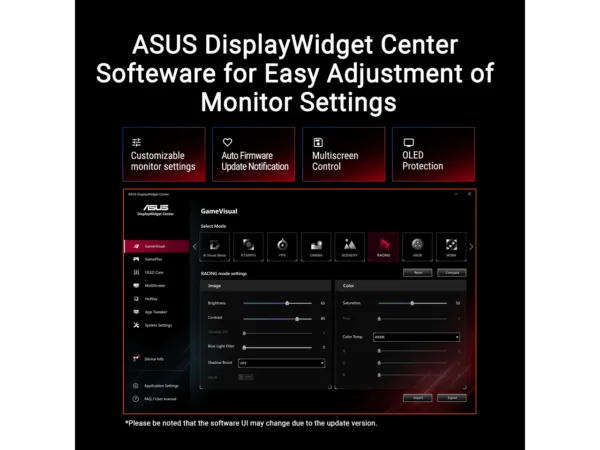
gaming monitor ― 27-inch (26.5-inch viewable) 1440p QD-OLED, 240 Hz, 0.03 ms, Neo Proximity Sensor, ASUS OLED Care Pro, ELMB, G-SYNC® compatible, 99% DCI-P3, and DisplayWidget Center 27-inch QHD (2560 x 1440) QD-OLED gaming monitor with 240 Hz refresh rate and 0.03 ms response time ASUS OLED Care Pro functions with Neo Proximity Sensor that precisely detects when the user is away, switching to a black screen to reduce the risk of burn-in 99% DCI-P3 gamut, true 10-bit color, and Delta E < 2 color difference for astonishing HDR performance Exclusive ASUS DisplayWidget Center application allows users to easily access OLED Care Pro functions and adjust monitor settings using a mouse ROG Gaming A

ONE FOR ALL
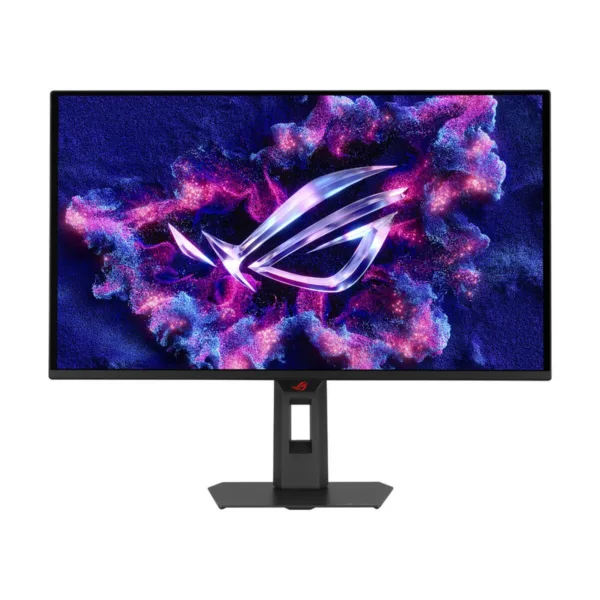
ROG Strix OLED XG27AQDMES The ROG Strix OLED XG27AQDMES is a 27-inch, 240 Hz QHD gaming monitor. The cutting-edge QD-OLED panel offers greater longevity compared to previous OLED technologies and minimal flicker ― even when frame rates fluctuate. With the addition of the Neo Proximity Sensor in the new ROG OLED Care Pro suite, the monitor transitions to a black screen when no user is detected, guarding against burn-in.
Supersmooth Visuals
Designed for discerning gamers, it offers a refresh rate of 240 Hz and 0.03 ms gray-to-gray (GTG) response time for supersharp and fluid visuals.
Incredible Motion Clarity
Exclusive ASUS Extreme Low Motion Blur technology reduces ghosting and motion blur.
Advantages of OLED technology
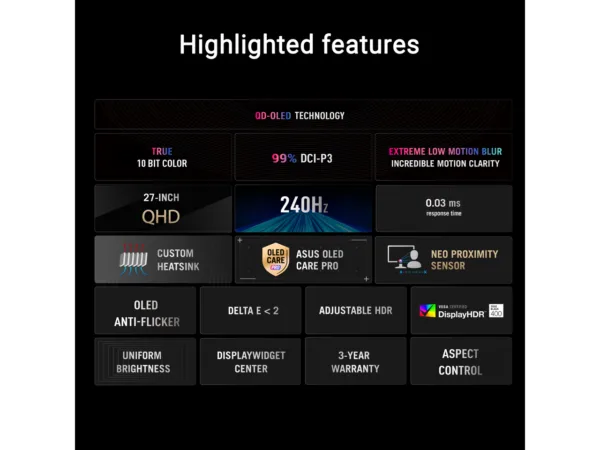
The latest ASUS OLED panels offer extremely high contrast ratios to deliver the darkest black hues as well as the most vivid colors, helping create immersive visuals for gaming and for creative endeavors. Plus, an astounding 0.03 ms gray-to-gray response time ensures supersmooth, low-latency visuals. 1.5M:1 contrast ratio 0.03 ms response time 99% DCI-P3 gamut Delta E < 2
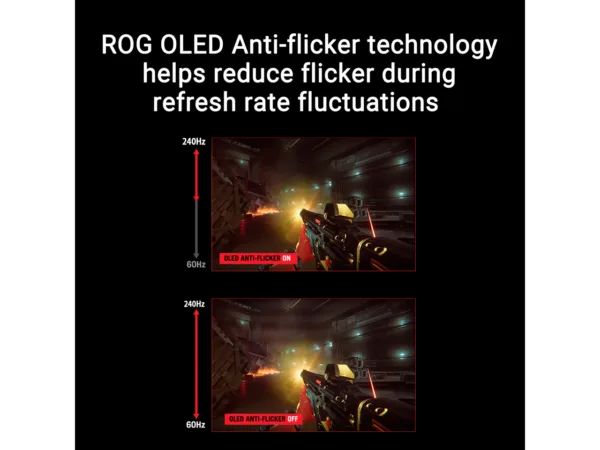
ROG OLED Anti-Flicker
New ROG OLED Anti-Flicker technology minimizes onscreen flicker, enabling comfortable gaming experiences.
Luminance Compensation Algorithm
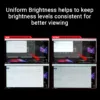
The advanced luminance compensation algorithm dynamically boosts pixel brightness during refresh rate fluctuations to ensure more consistent visuals without increasing input lag or compromising refresh rates.
Refresh Rate Cap
This feature caps the monitor refresh rate to reduce onscreen flicker. The feature has been upgraded, enabling it to cover a wider refresh rate range to suit individual preferences.
Screen Protection
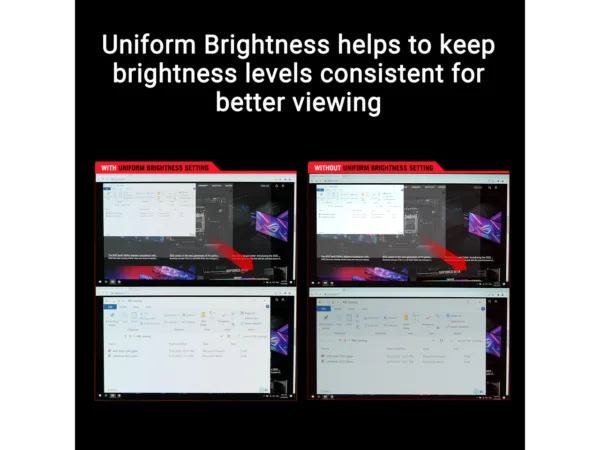
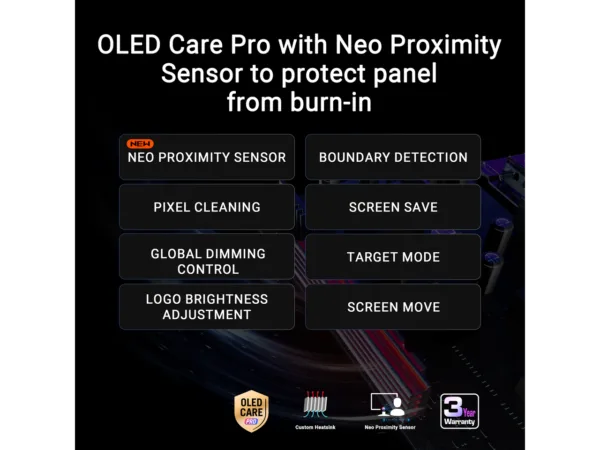
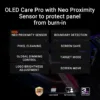
ASUS OLED CARE PRO New ASUS OLED Care Pro technology provides a full set of customizable monitor settings to protect the OLED panel and ensure longevity. Plus, it includes the new Neo Proximity Sensor that detects your distance from the monitor and transitions to a black image when you’re away to safeguard the panel from burn-in. All settings can be easily managed via DisplayWidget Center.
NEO PROXIMITY SENSOR
The built-in Neo Proximity Sensor precisely detects your distance from the monitor. When you step away, the monitor transitions to a black image to protect against panel burn-in, and instantly restores onscreen content when you return. Detection distance can be customized to suit personal preference, ensuring maximum convenience and protection. *Please ensure that the monitor sensor is properly angled and cleaned by using the included microfiber cloth before activating the detection function.
PIXEL CLEANING
Recalibrates the screen when the monitor has been active for several hours ― a process that takes just a few minutes and activates automatically when the monitor is turned off* *Do not unplug the power cord during this time as it will interrupt the pixel-cleaning process.
SCREEN MOVE
Pixel locations are slightly shifted periodically to help prevent burn-in, and users can choose between several movement levels. movement levels.
Related products
-
 24.1″ · 610HZ−10%ASUS
ASUS ROG Strix XG248QSG Ace 24.1″ FHD 610Hz (OC) Esports Gaming Monitor, 0.1ms
Original price was: $799.99.$719.99Current price is: $719.99. -
 27″ · 180HZ−10%ASUS
ASUS TUF Gaming VG27AQ3A 27″ QHD 180Hz IPS Gaming Monitor, 1ms, Speakers
Original price was: $203.99.$183.59Current price is: $183.59. -
 27″ · 144HZ−30%MSI
MSI MAG 275UPD E14 27″ Dual-Mode 4K 144Hz / FHD 288Hz IPS Gaming Monitor, HDR400
Original price was: $249.99.$174.99Current price is: $174.99. -
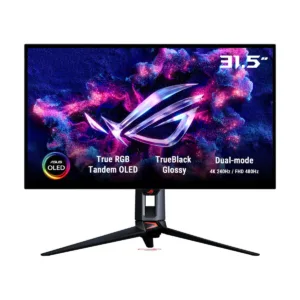 32″ · 240HZ−10%ASUS
ASUS ROG PG32UCWM 32″ 4K 240Hz Tandem RGB OLED Gaming Monitor, Dual-Mode 480Hz
Original price was: $1,399.99.$1,259.99Current price is: $1,259.99.